Parental controls for every screen. Friendly for kids.
Guardian is a parental control app for the whole home: app blocking, block hours, daily time limits and website filtering on Android and iPhone, tablets and the family TV, all set from one dashboard on the web or your phone. Schools use it for classroom tablets too.
The trial starts when you verify your email. Every feature is labeled by what it actually does on each device.
Website filtering on
Screen time today
1h 42m
Block hours · Mon–Fri 4:00–6:00 PM
Living room, after school
Every screen in one place: phones, a laptop, a tablet and the TV.
The honest problem
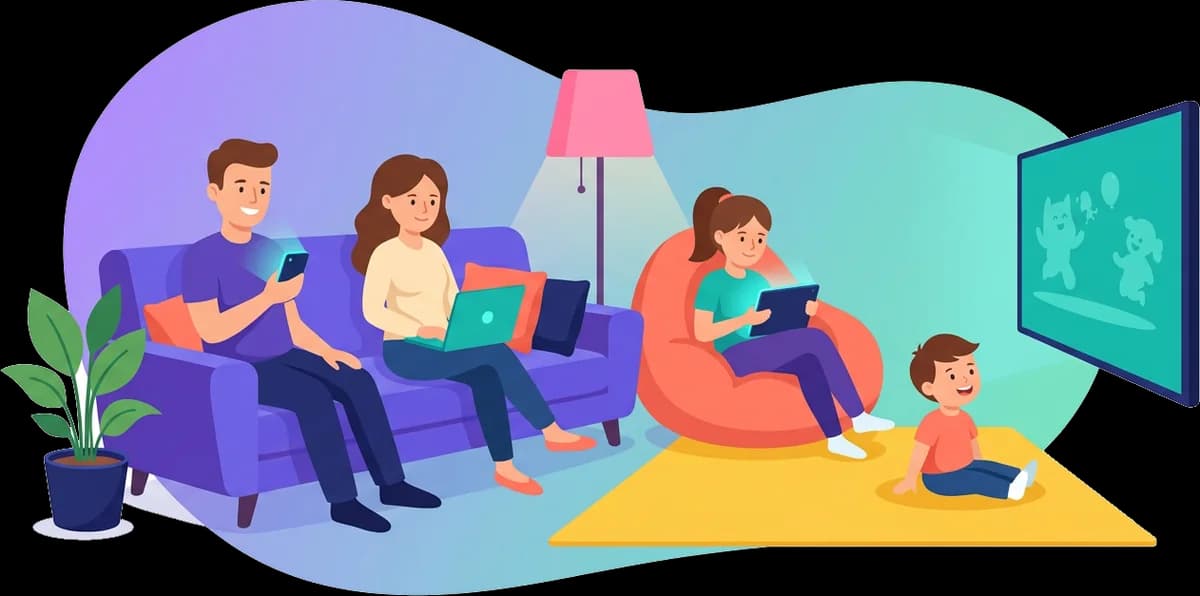
The phone was never the whole problem. The TV was the blind spot.
Plenty of family apps stop at phones and tablets. The TV in the living room runs a different system, and each one allows something different. So the bedtime you set on the phone can mean nothing the moment the screen gets bigger.
One rule, set once, enforced everywhere it honestly can be.
Set a rule once, from the website or your phone. Android phones and tablets apply it through the controls Android provides, and Android TV and Fire TV apply it too. On iPhone, you pick apps with Apple's own picker and Apple blocks them. Every device says plainly what it can and can't do.
On Android phones a saved change arrives in seconds. Other devices pick it up on their next regular check-in.
Reinstalling Guardian wipes its permissions, so setup asks again. The phone shows "Welcome back" and keeps its rules once you approve it.
Change rules from the website or the Android and iPhone parent apps. Changes ask for your Guardian password again, so an unlocked phone in a child's hands can't change them.
Homework hours: the phone goes face down on every screen you picked.
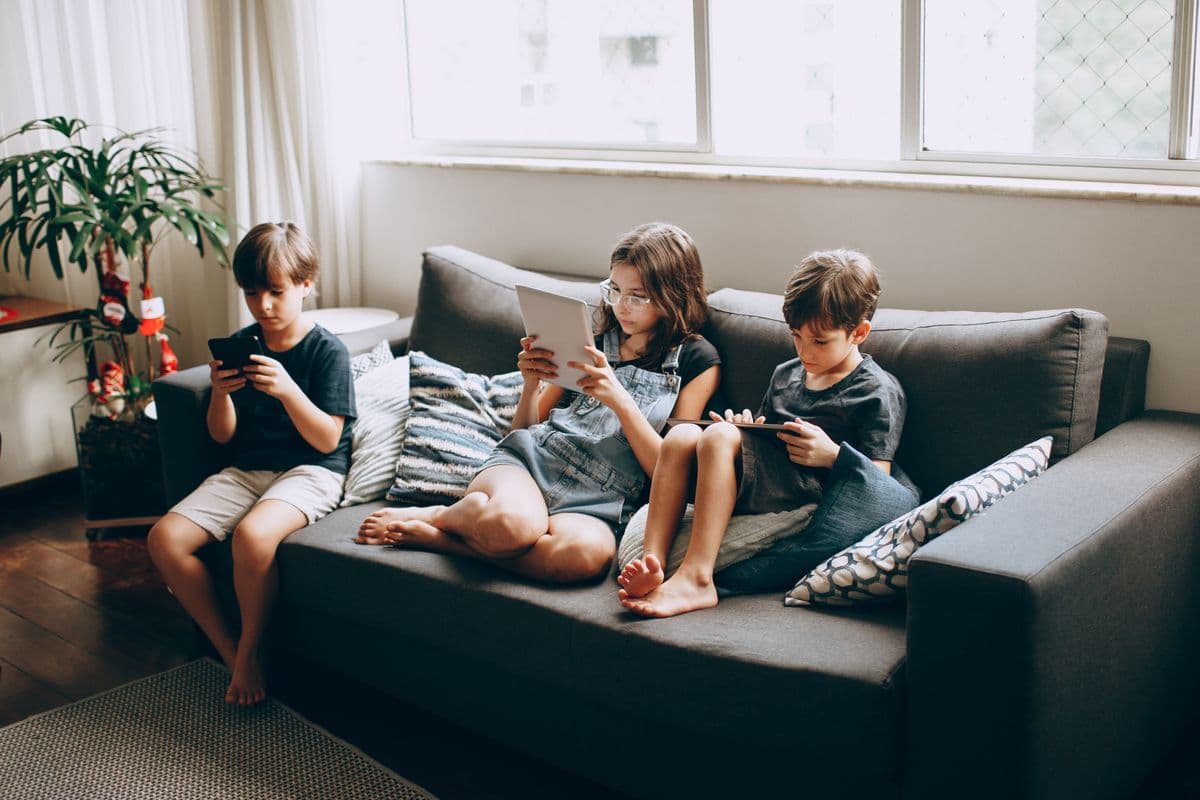
Three kids, three screens
Block hours · Mon–Fri 4:00–6:00 PM
Set once, for every device
Applies on
Android phone / tablet · Full control or Basic
iPhone · Full control or Basic
iPad · Full control or Basic
Android TV · Basic
Fire TV · Basic
Fire tablet · Basic
Can't apply on
Apple TV.Block hours aren't available on this Apple TV.
Samsung Tizen TV.Block hours aren't available on this Samsung TV.
LG webOS TV.Block hours aren't available on this LG TV.
How it works
How to set up parental controls in three steps
Email verified
Your trial starts now
Day 1 of 7
1
Step 1: Start your free trial
Create your account and verify your email. Your 7-day trial starts then, one per person and household device.
Add a device
K7P2QD
Enter it on your child's device
2
Step 2: Pair each device with a code
Install Guardian on your child's phone, tablet or TV, then enter the 6-character code from "Add a device".
EEmmaPixel 8 · iPadProtected
LLeoFire TV · Not seen for 2 daysOffline
3
Step 3: Set calm rules from anywhere
Block hours, apps and websites from this website or the Android and iPhone parent apps. Every device shows what it can really apply.
What it does
Parental controls by device: what works on which screen
Where something doesn't work, we say so, and why.
Full controlGuardian applies your rules directly on this device.
BasicGuardian closes blocked apps when they open; a determined user could get around it.
Network onlyOnly the family website filter on your home router applies to this device.
No app controlsThis device has no app, schedule or lock controls Guardian can use. Location may still work.
Pick your screens
3 picked
Phones & tablets · In Core and Whole-Home
TVs · Whole-Home plan only
Your screens
Numbered in the order every card below uses
1Android phoneFull controlAndroid phone / tablet: depends on setup. Full control: Set up with the QR code on a new or reset phone. Basic: Set up with a pairing code.
2iPhoneFull controliPhone: depends on setup. Full control: Screen Time approved in Family Sharing. Basic: Screen Time allowed with Face ID. Your child can turn it off. No app controls: Until Screen Time is allowed.
3Android TVBasic
Works
BBasic: works, but a determined child could get around it
Apple's picker: only for apps you pick on the iPhone or iPad
Home router: through the family website filter on your home router
Not available: select it to see why
App blocking
Works on 2 of your 3 screens
1Android phone / tablet: works
App blocking on iPhone: Via Apple's app picker. On iPhone and iPad, Apple only blocks apps a parent picks with its own picker, so an app list from here can't be used. Choose apps in Guardian on your iPhone, or in parent mode on the child's device after entering your Guardian password.
App blocking on Android TV: Basic.
Block hours
Works on all 3 of your screens
1Android phone / tablet: works
2iPhone: works
Block hours on Android TV: Basic.
Daily time limits
Works on 2 of your 3 screens
1Android phone / tablet: works
Daily time limits: not on iPhone. Daily time limits aren't available on iPhone or iPad yet. Guardian uses Apple's app choice for blocking only.
Daily time limits on Android TV: Basic.
Lock now
Works on 2 of your 3 screens
1Android phone / tablet: works
Lock now: not on iPhone. iPhone or iPad doesn't let other apps lock the screen. Use block hours or blocked apps instead.
Lock now on Android TV: Basic.
Scheduled device lock
Works on all 3 of your screens
1Android phone / tablet: works
2iPhone: works
Scheduled device lock on Android TV: Basic.
Website filtering
Works on all 3 of your screens
1Android phone / tablet: works
2iPhone: works
Website filtering on Android TV: Basic.
Pause internet
Works on 2 of your 3 screens
1Android phone / tablet: works
Pause internet: not on iPhone. Pause internet isn't available on iPhone or iPad yet. Block websites and whole categories with the family website filter on the Content filtering page instead.
Pause internet on Android TV: Basic.
Location
Works on 2 of your 3 screens
1Android phone / tablet: works
2iPhone: works
Location: not on Android TV. TVs don't report location. They stay in one place.
App usage
Works on 2 of your 3 screens
1Android phone / tablet: works
App usage: not on iPhone. iPhone and iPad don't let other apps read app usage.
App usage on Android TV: Basic.
Calls & messages
Not on any of your screens
Calls & messages: not on Android phone / tablet. Not on Android. Google Play only lets the phone's main Messages and Phone apps read texts and call logs.
Calls & messages: not on iPhone. iPhone and iPad don't let any app read calls or texts.
Calls & messages: not on Android TV. TVs have no calls or texts.
Works
BBasic: works, but a determined child could get around it
Apple's picker: only for apps you pick on the iPhone or iPad
Home router: through the family website filter on your home router
Not available: select it to see why
What works on each device. A dash means not available; select it to see why.
Phones & tabletsIn Core and Whole-Home
TVsWhole-Home plan only
Feature
Android phone / tablet
iPhone
iPad
Fire tablet
Android TV
Fire TV
Apple TV
Samsung Tizen TV
LG webOS TV
Protection level
Full control
Full control
Full control
Basic
Basic
Basic
No app controls
Network only
Network only
App blocking
Works on Android phone / tablet
BBasic, works on Fire tablet
BBasic, works on Android TV
BBasic, works on Fire TV
Block hours
Works on Android phone / tablet
Works on iPhone
Works on iPad
BBasic, works on Fire tablet
BBasic, works on Android TV
BBasic, works on Fire TV
Daily time limits
Works on Android phone / tablet
BBasic, works on Fire tablet
BBasic, works on Android TV
BBasic, works on Fire TV
Lock now
Works on Android phone / tablet
BBasic, works on Android TV
BBasic, works on Fire TV
Scheduled device lock
Works on Android phone / tablet
Works on iPhone
Works on iPad
BBasic, works on Fire tablet
BBasic, works on Android TV
BBasic, works on Fire TV
Website filtering
Works on Android phone / tablet
Works on iPhone
Works on iPad
BBasic, works on Fire tablet
BBasic, works on Android TV
BBasic, works on Fire TV
Pause internet
Works on Android phone / tablet
BBasic, works on Fire tablet
BBasic, works on Android TV
BBasic, works on Fire TV
Location
Works on Android phone / tablet
Works on iPhone
Works on iPad
BBasic, works on Fire tablet
App usage
Works on Android phone / tablet
BBasic, works on Fire tablet
BBasic, works on Android TV
BBasic, works on Fire TV
Calls & messages
Hover, tap or focus a dash to see why it isn't available on that device.
Where a device lists more than one protection level, it depends on how it's set up. The By device view says how.
Phones & tablets
In Core and Whole-Home
Android phone / tablet
Install from Google Play, enter the pairing code, then do the one-time setup.
Protection levelDepends on setup
Full control · Set up with the QR code on a new or reset phone
or Basic · Set up with a pairing code
App blocking
Block hours
Daily time limits
Lock now
Scheduled device lock
Website filtering
Pause internet
Location
App usage
Calls & messages: not on Android phone / tablet. Not on Android. Google Play only lets the phone's main Messages and Phone apps read texts and call logs.
Apps blocked with Apple's picker, block hours, scheduled device lock, the family website filter and location.
Protection levelDepends on setup
Full control · Screen Time approved in Family Sharing
or Basic · Screen Time allowed with Face ID. Your child can turn it off
or No app controls · Until Screen Time is allowed
App blocking: Via Apple's app picker. On iPhone and iPad, Apple only blocks apps a parent picks with its own picker, so an app list from here can't be used. Choose apps in Guardian on your iPhone, or in parent mode on the child's device after entering your Guardian password.
Block hours
Daily time limits: not on iPhone. Daily time limits aren't available on iPhone or iPad yet. Guardian uses Apple's app choice for blocking only.
Lock now: not on iPhone. iPhone or iPad doesn't let other apps lock the screen. Use block hours or blocked apps instead.
Scheduled device lock
Website filtering
Pause internet: not on iPhone. Pause internet isn't available on iPhone or iPad yet. Block websites and whole categories with the family website filter on the Content filtering page instead.
Location
App usage: not on iPhone. iPhone and iPad don't let other apps read app usage.
Calls & messages: not on iPhone. iPhone and iPad don't let any app read calls or texts.
Full control · Screen Time approved in Family Sharing
or Basic · Screen Time allowed with Face ID. Your child can turn it off
or No app controls · Until Screen Time is allowed
App blocking: Via Apple's app picker. On iPhone and iPad, Apple only blocks apps a parent picks with its own picker, so an app list from here can't be used. Choose apps in Guardian on your iPhone, or in parent mode on the child's device after entering your Guardian password.
Block hours
Daily time limits: not on iPad. Daily time limits aren't available on iPhone or iPad yet. Guardian uses Apple's app choice for blocking only.
Lock now: not on iPad. iPad doesn't let other apps lock the screen. Use block hours or blocked apps instead.
Scheduled device lock
Website filtering
Pause internet: not on iPad. Pause internet isn't available on iPhone or iPad yet. Block websites and whole categories with the family website filter on the Content filtering page instead.
Location
App usage: not on iPad. iPhone and iPad don't let other apps read app usage.
Calls & messages: not on iPad. iPhone and iPad don't let any app read calls or texts.
Pairs and shows its status. No app controls; websites are filtered through your home router.
Protection level
No app controls
App blocking: not on Apple TV. App blocking isn't available on this Apple TV.
Block hours: not on Apple TV. Block hours aren't available on this Apple TV.
Daily time limits: not on Apple TV. Daily time limits aren't available on this Apple TV.
Lock now: not on Apple TV. Apple TV doesn't let other apps lock it or block apps.
Scheduled device lock: not on Apple TV. Apple TV doesn't let other apps lock it or block apps.
Website filtering: Through your home router. Apple TV doesn't let other apps filter websites. Set up the family website filter on your home router instead, from the Content filtering page.
Pause internet: not on Apple TV. Pause internet isn't available on this Apple TV.
Location: not on Apple TV. TVs don't report location. They stay in one place.
App usage: not on Apple TV. Apple TV doesn't let other apps see app usage.
Calls & messages: not on Apple TV. TVs have no calls or texts.
No Guardian app for this TV. The family website filter on your home router covers it.
Protection level
Network only
App blocking: not on Samsung Tizen TV. App blocking isn't available on this Samsung TV.
Block hours: not on Samsung Tizen TV. Block hours aren't available on this Samsung TV.
Daily time limits: not on Samsung Tizen TV. Daily time limits aren't available on this Samsung TV.
Lock now: not on Samsung Tizen TV. Lock now isn't available on this Samsung TV.
Scheduled device lock: not on Samsung Tizen TV. Scheduled device lock isn't available on this Samsung TV.
Website filtering: Through your home router. There's no Guardian app for Samsung TVs. Set up the family website filter on your home router instead, from the Content filtering page.
Pause internet: not on Samsung Tizen TV. Pause internet isn't available on this Samsung TV.
Location: not on Samsung Tizen TV. TVs don't report location. They stay in one place.
App usage: not on Samsung Tizen TV. Samsung TV doesn't let other apps see app usage.
Calls & messages: not on Samsung Tizen TV. TVs have no calls or texts.
No Guardian app for this TV. The family website filter on your home router covers it.
Protection level
Network only
App blocking: not on LG webOS TV. App blocking isn't available on this LG TV.
Block hours: not on LG webOS TV. Block hours aren't available on this LG TV.
Daily time limits: not on LG webOS TV. Daily time limits aren't available on this LG TV.
Lock now: not on LG webOS TV. Lock now isn't available on this LG TV.
Scheduled device lock: not on LG webOS TV. Scheduled device lock isn't available on this LG TV.
Website filtering: Through your home router. There's no Guardian app for LG TVs. Set up the family website filter on your home router instead, from the Content filtering page.
Pause internet: not on LG webOS TV. Pause internet isn't available on this LG TV.
Location: not on LG webOS TV. TVs don't report location. They stay in one place.
App usage: not on LG webOS TV. LG TV doesn't let other apps see app usage.
Calls & messages: not on LG webOS TV. TVs have no calls or texts.
Your child sees whether rules are on, locked or paused, so nobody has to guess. Try the three states on the phone.
Setup is one-time on Android. Rule changes after that reach the phone by themselves; your child doesn't tap anything.
Blocked apps close within about a second of opening on Android.
If your trial or plan ends, rules are paused, not deleted, and come back when you pay.
On Basic devices the kid screen says so too: "Someone determined may get around this."
The kid screen is your child's own view, so what they see is what they get.
GuardianMore
Protected
Your parent's rules are on.
Rules
Always blocked
Blocked Mon, Tue, Wed, Thu, Fri 4:00 PM–6:00 PM
Blocked websites · 4
Shown on the child's Android phone, tablet or TV.
What's next
Coming to Guardian
What's almost ready and what's planned. No dates until we're sure we can keep them.
Almost ready
One step left
Already built. Each one turns on after a final check on real devices.
Text & notification content filtering
Built and tested, but not turned on for children's devices yet, so nothing is filtered on a device today.
Instant updates on iPhone
Rule changes reaching an iPhone in seconds. We're confirming it on real iPhones before we list it as working.
Fire TV and Fire tablet on Amazon devices
Both apps are built. We're confirming them on real Amazon devices before we call them ready.
Coming soon
Not built yet
Next on our list. We'll share dates once we're sure we can keep them.
Chromebooks
Chromebooks run Android apps, so this means making sure the Android app sets up smoothly there.
Platform limits
What no app can do today
These depend on Apple, Google or the TV maker, not on us. We list them so you know before you buy.
App controls on Apple TV
Apple gives apps on Apple TV no way to block apps, set hours or lock it. That's a limit of the platform, not something waiting on an update.
Lock now on iPhone and iPad
iPhone or iPad doesn't let other apps lock the screen. Use block hours or blocked apps instead.
Calls and texts on Android
Not on Android. Google Play only lets the phone's main Messages and Phone apps read texts and call logs.
Calls and texts on iPhone and iPad
iPhone and iPad don't let any app read calls or texts.
Voice trim
Not possible on any phone or tablet today. None of them let an app hear another app's live call audio.
Video trim
Not possible on any phone or tablet today. None of them let an app see another app's live video.
Why trust a new name
We're not asking you to trust a promise. We're showing our work.
No capability we can't back up
Every device is labeled by what it really allows: Full control, Basic, Network only or No app controls. When a setting can't work on a device, Guardian says so and why, instead of hiding it.
We say what isn't possible
No phone or tablet lets an app listen to or watch another app's calls and videos. So we don't sell voice or video filtering, and we won't call it “coming soon”.
Built in the open
Guardian is new. The roadmap shows what's almost ready and what's planned, with no dates we can't keep.
Illustrative launch pricing, subject to change before general availability. You're always billed in your own local currency (USD or INR, determined automatically), never an approximate conversion of the other.
7-day free trial. It starts when you verify your email.
Core
Full protection for phones and tablets.
₹3,999/year
$49 USD/year outside India
Android phone/tablet & Fire tablet: app blocking, block hours, daily time limits, website filtering, pause internet
Family website filter for each person on iPhone, iPad, Mac and Android: blocks adult content with SafeSearch on, plus the categories and websites you choose
Not included: TV coverage (Android TV, Fire TV, Apple TV, Samsung/LG TV)
Everything in Whole-Home, sized for a real fleet: a dozen classroom tablets or a whole district. Custom device count, group-scoped admin roles for staff, and invoiced billing, not a per-card checkout.
Apps blocked with Apple's picker, block hours, scheduled device lock, the family website filter and location. Not on iPhone: daily time limits, Lock now and Pause internet. Family Sharing (Full control) is recommended. With Face ID (Basic), your child can turn Guardian's Screen Time access off in Settings.
Can my child turn it off?
It depends on the device. Full control: Guardian applies your rules directly on this device. Basic: Guardian closes blocked apps when they open; a determined user could get around it. Family Sharing (Full control) is recommended. With Face ID (Basic), your child can turn Guardian's Screen Time access off in Settings.
Do I need my child's phone every time I change a rule?
Setup is one-time. Rule changes after that reach the phone by themselves; your child doesn't tap anything.
How does website filtering work?
Turn on the family website filter for each person in your Guardian account, on the Content filtering page. A new filter blocks adult content and turns on SafeSearch, and you can add categories and websites. Set it up once on each device: a settings file on iPhone, iPad and Mac, one setting on Android 9 or later, or your home router for Apple TV, Samsung and LG TVs. Android phones, tablets and TVs can also block single websites themselves. No list of the websites your family visits is kept.
What about Samsung and LG TVs?
There's no Guardian app for Samsung Tizen TVs. What works: the family website filter on your home router, which covers this TV and everything else on your home Wi-Fi. Turn it on from the Content filtering page and follow the home router step. Some routers don't offer the setting it needs.
Can Guardian control an Apple TV?
Pairs and shows its status. No app controls; websites are filtered through your home router. Apple gives apps on Apple TV no way to block apps, set hours or lock it. That's a limit of the platform, not something waiting on an update. Websites: turn on the family website filter on the Content filtering page and follow the home router step. It covers the Apple TV and everything else on your home Wi-Fi.
How does the free trial work?
The free trial lasts 7 days and starts when you verify your email. There is one free trial per person and per household device.
What happens when a trial or subscription ends?
Rules are paused, not deleted, and come back when you pay. Monitoring stops while paused.
How is my family's data protected?
Traffic is encrypted in transit (TLS). Phone numbers are encrypted at rest with AES-256-GCM, passwords are hashed with Argon2id, and card details are entered on Stripe's own checkout page, never on our servers. Details on the security page.